
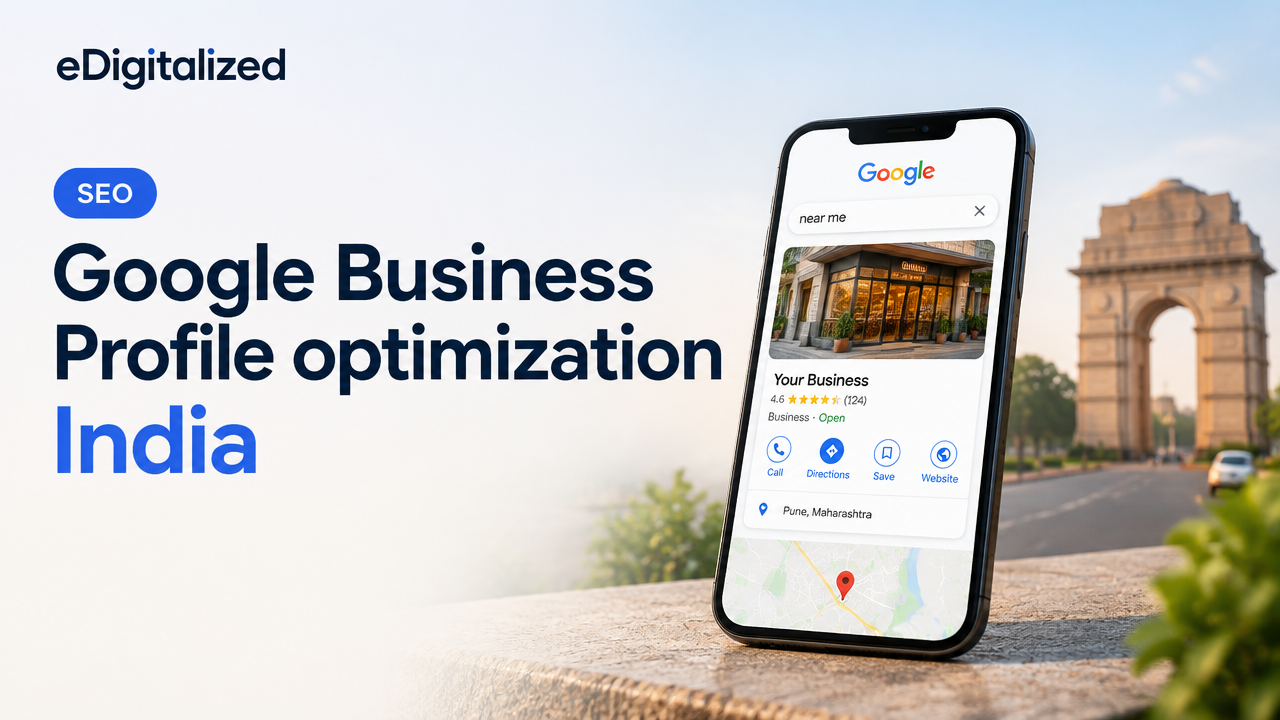
Step-by-step Google Business Profile optimization for Indian businesses: how to set up, verify, optimise fields, handle reviews, track performance and avoid common mistakes.
Table of ContentsOpen
Google Business Profile optimization India: practical local SEO guide
For Indian small businesses and service providers, an optimised Google Business Profile (GBP) is often the fastest route to being found by nearby customers. This guide gives practical, actionable steps to set up, verify and optimise a GBP so your business appears correctly in Google Search and Maps and converts searches into enquiries.
Why Google Business Profile matters for Indian businesses
GBP (formerly Google My Business) controls the business card that appears in Search and Maps. When optimised, it improves visibility for location-based searches (for example, “plumber near me” or “IT training institute in Pune”), provides essential contact details, and gives searchers confidence through photos, hours, and reviews. For many local searches, GBP listings show above organic results and can drive calls, directions and website visits.
Step 1 — Set up and verify correctly
Create or claim your profile at Google Business Profile. Use your official business name and the address customers use to visit you. If you operate across a service area without a storefront, set yourself as a service-area business and avoid listing a home address if you do not welcome visitors.
Verification methods can include postcard, phone, email or instant verification for some accounts; availability varies and Google may change methods — verify with Google when you set up. Do not use virtual office addresses that violate Google’s address guidelines; this risks suspension.
Step 2 — Optimise profile fields for clarity and conversions
Complete every profile field accurately. Key fields that matter most:
- Business Name: Use your real business name — do not add keywords or locations unless they are part of your registered name.
- Primary Category: Choose the most specific category (for example, “Orthodontist” rather than just “Dentist”) and add relevant secondary categories.
- Address & Service Area: Ensure address matches your website’s contact page and local citations.
- Hours & Special Hours: Keep hours updated for festivals, holidays and temporary closures.
- Phone & Website: Use a local phone number and link to a relevant landing page (service or location page) rather than only the homepage.
- Attributes & Services: Select attributes customers care about (e.g., “Wheelchair accessible”, “Online appointments”) and list core services with concise descriptions.
Step 3 — Photos, posts and products that build trust
Profiles with high-quality photos and regular updates look more trustworthy. Post photos of your premises, team, finished work and popular products. Use the Posts feature for offers, events and updates — these appear in your knowledge panel and help with engagement. If you sell services or products, add them to the Products/Services section with a short description and price indication when appropriate.
Step 4 — Reviews, Q&A and reputation management
Reviews influence searchers and rankings. Encourage satisfied customers to leave reviews by sharing a direct review link, and respond promptly and professionally to all reviews — thank positive reviewers and address problems in negative reviews with a solution-oriented reply. Use the Q&A section proactively: post frequently asked questions and answers so prospects find consistent information.
Step 5 — Local citations and consistency
Ensure your business name, address and phone (NAP) are consistent across your website, local directories, industry listings and social profiles. Inconsistent NAP data confuses search engines and customers. If you plan to create more city or location pages, read this guide on what local businesses should fix first: What Local Businesses Should Fix Before Creating More City Pages.
Tracking, insights and measuring impact
Use the GBP Insights dashboard to monitor views, searches, and customer actions (calls, website clicks, direction requests). Combine GBP data with Google Analytics and call-tracking if you want deeper conversion insight. If you run a service business, consider structuring local SEO before chasing more keywords — this helps avoid wasted effort: How a Service Business Should Structure SEO Before Chasing More Keywords.
Checklist: Practical GBP optimisation steps
| Task | Why it matters | Action |
|---|---|---|
| Claim & verify | Confirms ownership and allows full control | Claim at Google Business Profile and complete verification process |
| Complete all fields | More information helps searchers and ranking | Set accurate name, categories, hours, phone, website |
| Add photos & logo | Builds trust and improves engagement | Upload high-quality images: exterior, interior, team, work samples |
| Publish posts | Keeps profile fresh and communicates offers | Publish weekly or for promotions/events |
| Collect & respond to reviews | Drives conversions and impacts local rank | Share review link; respond within 48–72 hours |
| Monitor Insights | Shows what brings customers and where to improve | Check GBP Insights monthly and adjust based on actions |
Common pitfalls to avoid
- Using keyword-stuffed business names — this can lead to suspension.
- Listing virtual offices or co-working addresses as primary storefronts.
- Ignoring reviews or deleting negative reviews — instead, respond constructively.
- Not linking GBP to an optimised website or relevant landing page.
When to get professional help
If you have multiple locations, complex service areas, or recurrent suspensions, an agency with local SEO experience can manage verification, citation consistency, review strategies and monthly optimisation. If you want a technical check of your website before pushing local SEO, consider a site and SEO audit—we offer a Free Website & SEO Audit that can reveal issues affecting GBP performance.
Conclusion
Google Business Profile optimisation in India is a high-impact, low-cost way to reach nearby customers. Focus on accurate information, quality photos, regular posts, proactive review management and consistent citations. For businesses scaling to multiple cities, plan location pages and GBP listings carefully to avoid duplication and compliance issues.
Frequently Asked Questions
Need help optimising your profile and local presence? Explore our services or request a free audit to identify the highest-impact improvements.
Need help with your next digital project?
Talk to eDigitalized about website design, SEO, branding, app, UI/UX or digital marketing for your business.

No comments yet