
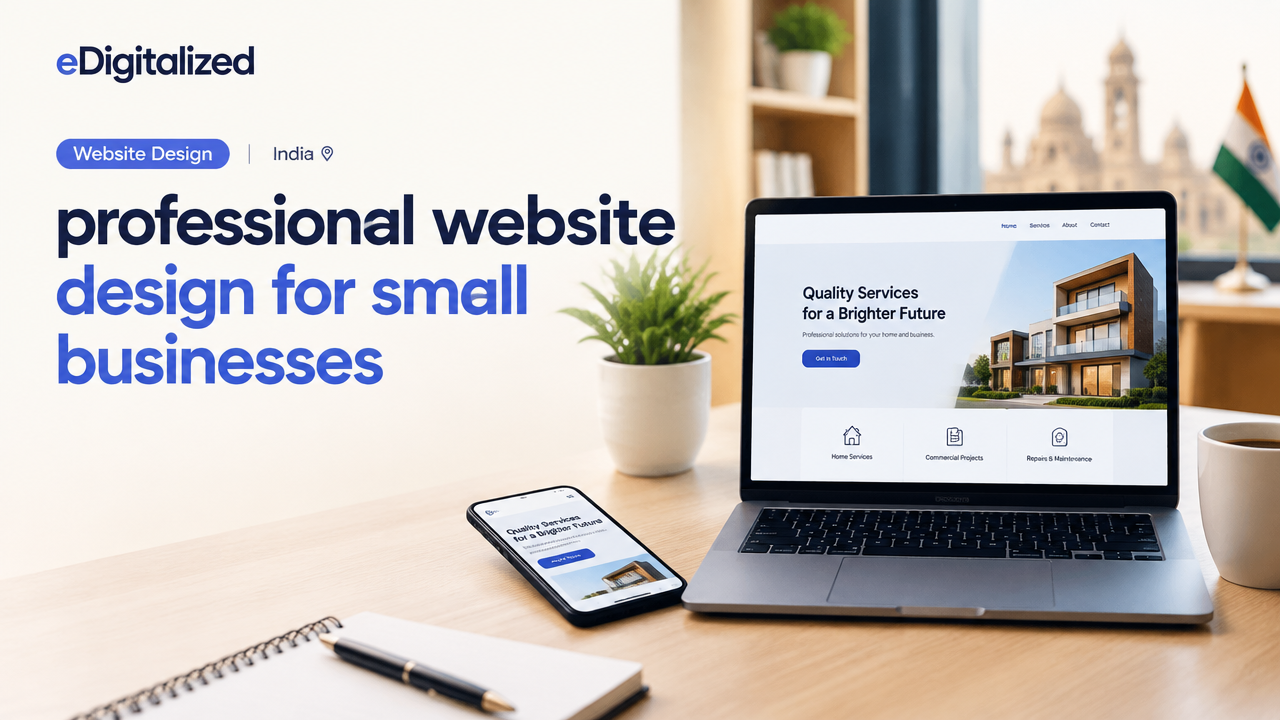
A practical, step-by-step guide to professional website design for small businesses in India — priorities, common pitfalls, a launch checklist and how to get qualified leads.
Table of ContentsOpen
Small businesses need websites that convert visitors into customers, not just pretty pages. This guide outlines what a professional website design for small businesses should include, how to prioritise features on a limited budget, a practical checklist you can use before launch, and clear next steps to get help.
Why a professional website matters for small businesses
A professional website establishes trust, explains your services clearly, and makes it easy for prospects to take the next step — call, book or request a quote. For service businesses, local shops and small e‑commerce sellers, the website often acts as the first salesperson. Good design improves clarity, speed and findability, which together increase enquiries and conversions.
Core elements of professional website design
Focus on clarity and action. A professional website for a small business should prioritise these elements:
- Clear value proposition: One-line headline and supporting sentence that explain who you are and what you do.
- Prominent contact actions: Phone number, enquiry form, WhatsApp/chat button and call-to-action (CTA) above the fold.
- Service pages: Separate pages for each main service or product with benefits, process and pricing cues.
- Local signals: Address, service areas, Google Business Profile link and local schema where relevant.
- Fast performance: Optimised images, caching and mobile-first design to reduce loading time.
- Trust elements: Testimonials, client logos, case summaries and clear refund/returns or warranty information.
- Conversion paths: Contact forms, quote requests, booking flows or product checkout optimised to minimise friction.
Design and UX priorities for small budgets
When budgets are limited, choose impact over bells and whistles. Prioritise:
- Mobile-first layout and readable typography.
- Clear CTAs and contact options on every page.
- Key service pages (3–6) with clear benefits and next step.
- Fast hosting and basic caching — poor speed destroys conversions.
- SEO basics: meta titles, headings, local mentions and simple structured data for local businesses.
If you use WordPress, consider a lean theme and a page builder used by professionals; for many small businesses WordPress provides the best balance of control and cost. See our notes on what a client-friendly WordPress site should make easy for more context: What a Client-Friendly WordPress Website Should Make Easy.
Practical checklist before launch (table)
| Item | Purpose | Priority | Notes |
|---|---|---|---|
| Homepage headline | Explain what you do in one line | High | Test different headlines by asking colleagues or customers |
| Contact options | Make it easy to reach you | High | Phone, WhatsApp link, simple form |
| Service pages | Improve search visibility & clarity | High | 3–6 pages covering primary services |
| Site speed | Reduce drop-off and improve SEO | High | Compress images, enable caching |
| Local listing | Appear in local searches | High | Claim and verify Google Business Profile |
| Privacy & terms | Build trust and legal clarity | Medium | Simple privacy policy and contact info |
| Analytics | Measure traffic and conversions | Medium | Install Google Analytics & set goals |
SEO and local discovery
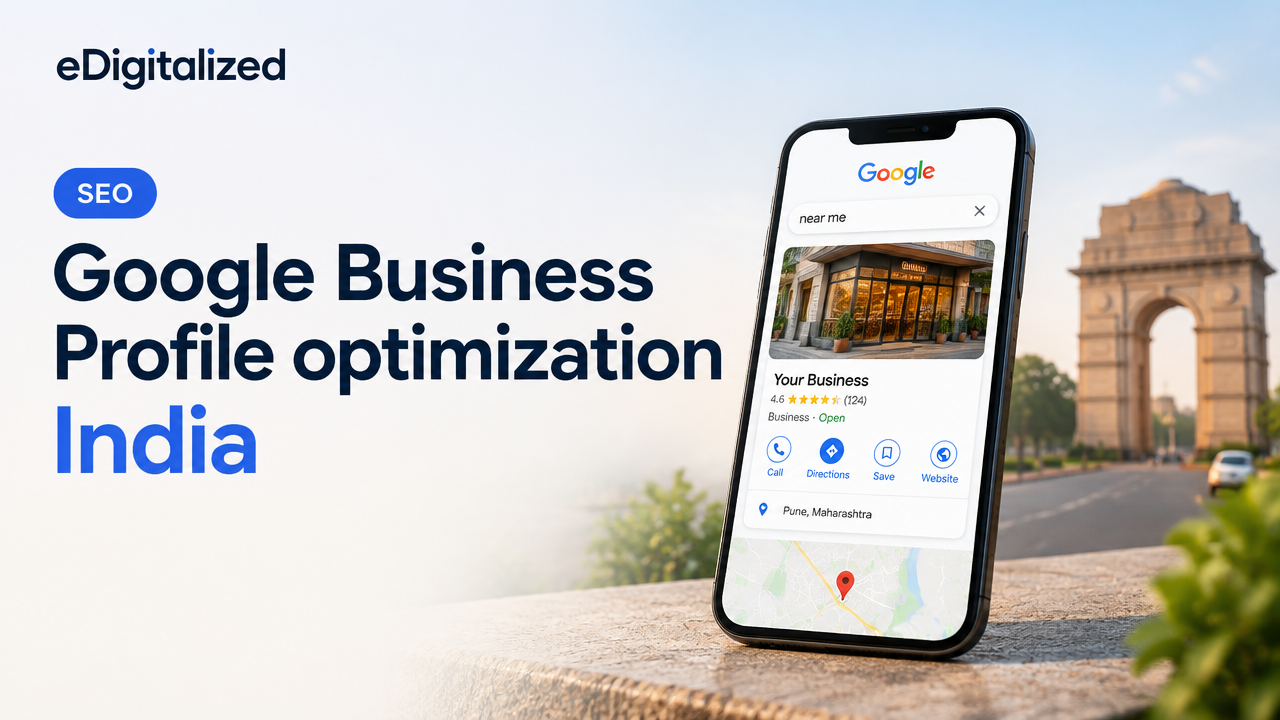
Small businesses benefit most from local SEO. Start with keyword research focused on your services and city names, optimise page titles and headings, and create location signals like address pages and service-area content. Keep NAP (name, address, phone) consistent across the site and business listings. For hands-on local optimisation steps, see our practical guide on Google Business Profile optimisation: Google Business Profile optimization India: practical local SEO guide.
When to hire an agency (and what to expect)
Consider hiring an agency if you need a measurable increase in enquiries, don’t have in-house web skills, or want an integrated approach including SEO and branding. A good agency will:
- Run a discovery to understand your customers
- Deliver wireframes and a content plan
- Provide a staged launch with analytics and remediation
- Offer ongoing maintenance and optimisation options
If you’re debating whether to use one agency or multiple vendors, our guide can help you decide: When to Hire One Agency Instead of Multiple Digital Vendors.
Measuring success and next actions
Track a small number of KPIs: enquiries (calls, form submissions, chat), lead quality, and conversion rate from key pages. Monitor site speed and organic traffic. Use the first three months after launch to test headlines, CTAs and service page layouts. If you want a quick technical review, request a free website & SEO audit here: Free Website & SEO Audit.
Common mistakes to avoid
- Overloading the homepage with too many CTAs — pick one main action.
- Using stock images that don’t reflect your actual work.
- Ignoring mobile users — test on several phones and networks.
- Publishing incomplete service pages — detail the process and outcomes.
Frequently Asked Questions
Conclusion — practical next steps
Start with a clear one-line value proposition, a small set of focused service pages, and simple but persistent contact options. Prioritise mobile design and site speed. If you need help executing, request a technical audit or a scoped proposal so you can compare options and make an informed decision. For a quick review and next‑step recommendations, request a free audit here: Free Website & SEO Audit.
Need help with your next digital project?
Talk to eDigitalized about website design, SEO, branding, app, UI/UX or digital marketing for your business.

No comments yet